Photoshop Challenges Unlocked

Hey there! I’ve been working on improving my basic Photoshop skills, and I’ve come up with some cool challenges to help me learn. I’ll show you how I use tools like Layers, Masks, Selections, and Blending Modes in a fun and creative way. Let’s dive into this journey together! 😊
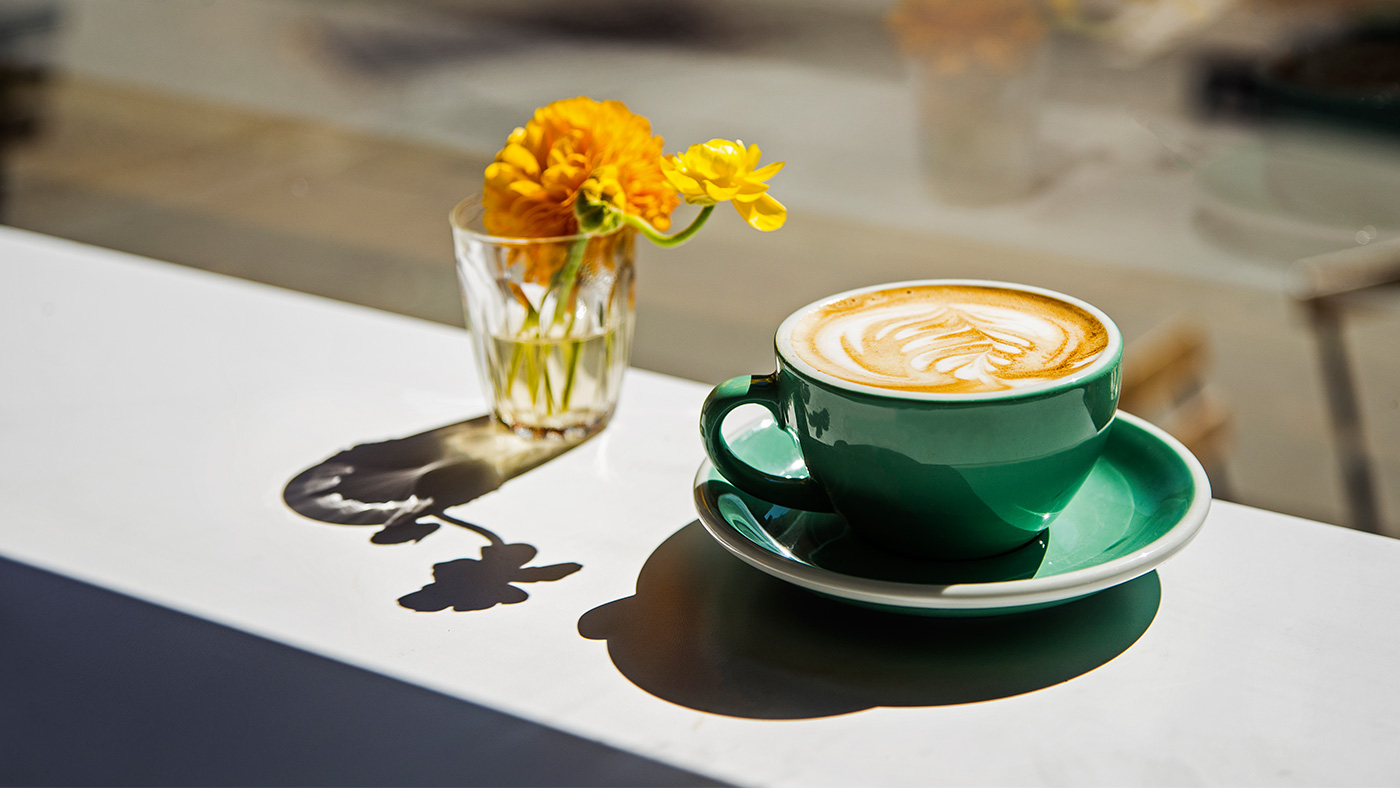
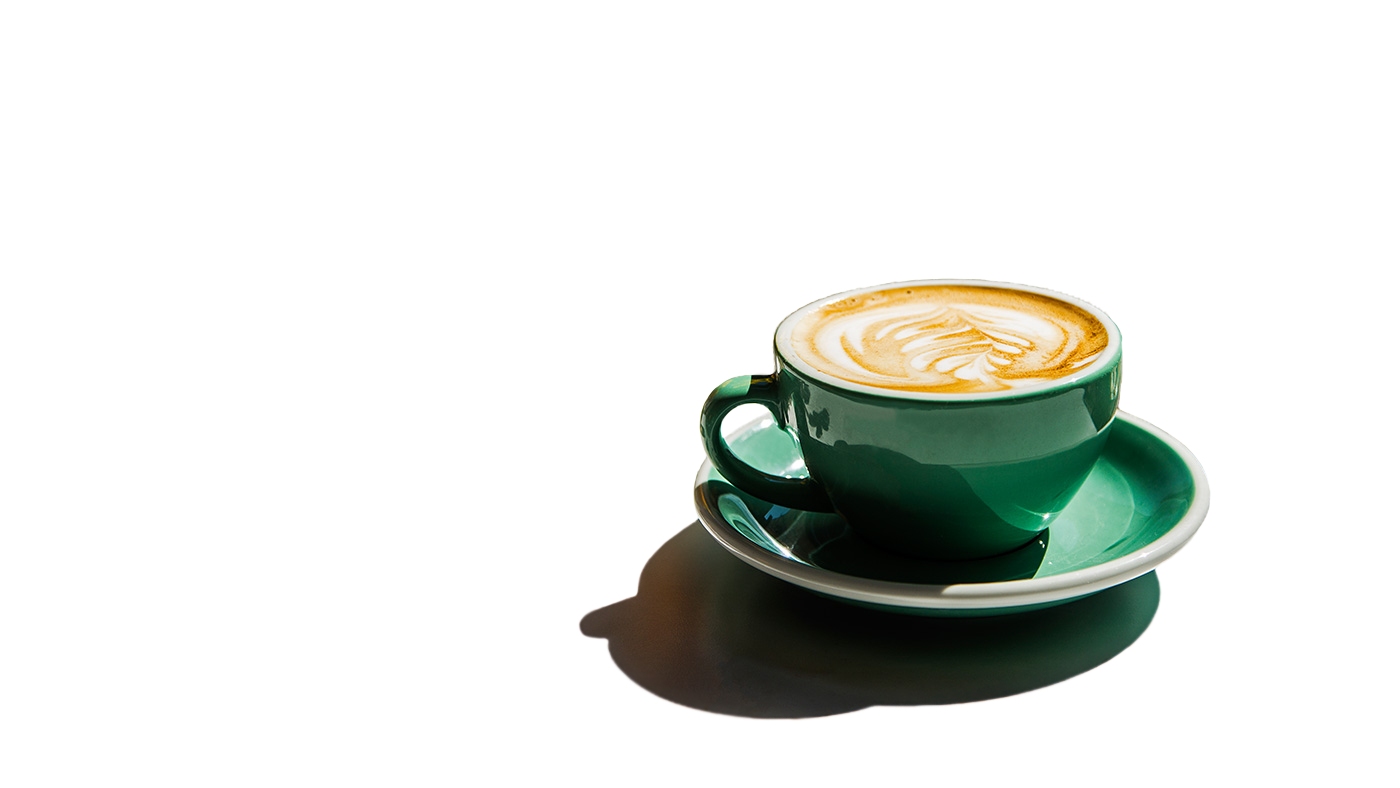
Green coffee cup Green coffee cup with background removed

2. Create clipping mask

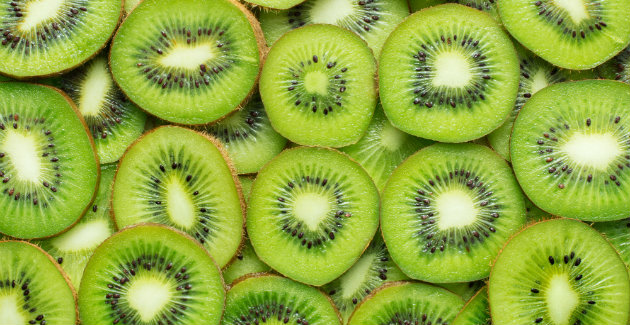
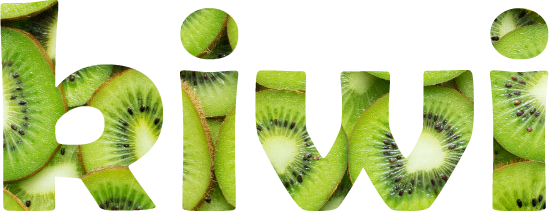
kiwi kiwi clipping mask

3. Use the vanishing point filter

Coming up!

4. Make a pop art effect

Coming up!

5. Color correction on a photo

Coming up!

6. Apply vintage effect to a photo

Coming up!

7. Create a gradient map

Coming up!

8. Make a GIF from a series of images

Coming up!

9. Add a drop shadow to an object

Coming up!

10. Create a double exposure effect

Coming up!

11. Use the clone stamp tool for photo restoration

Coming up!

12. Make a custom pattern

Coming up!

13. Create a dispersion effect

Coming up!

14. Use the liquify tool for creative effects

Coming up!

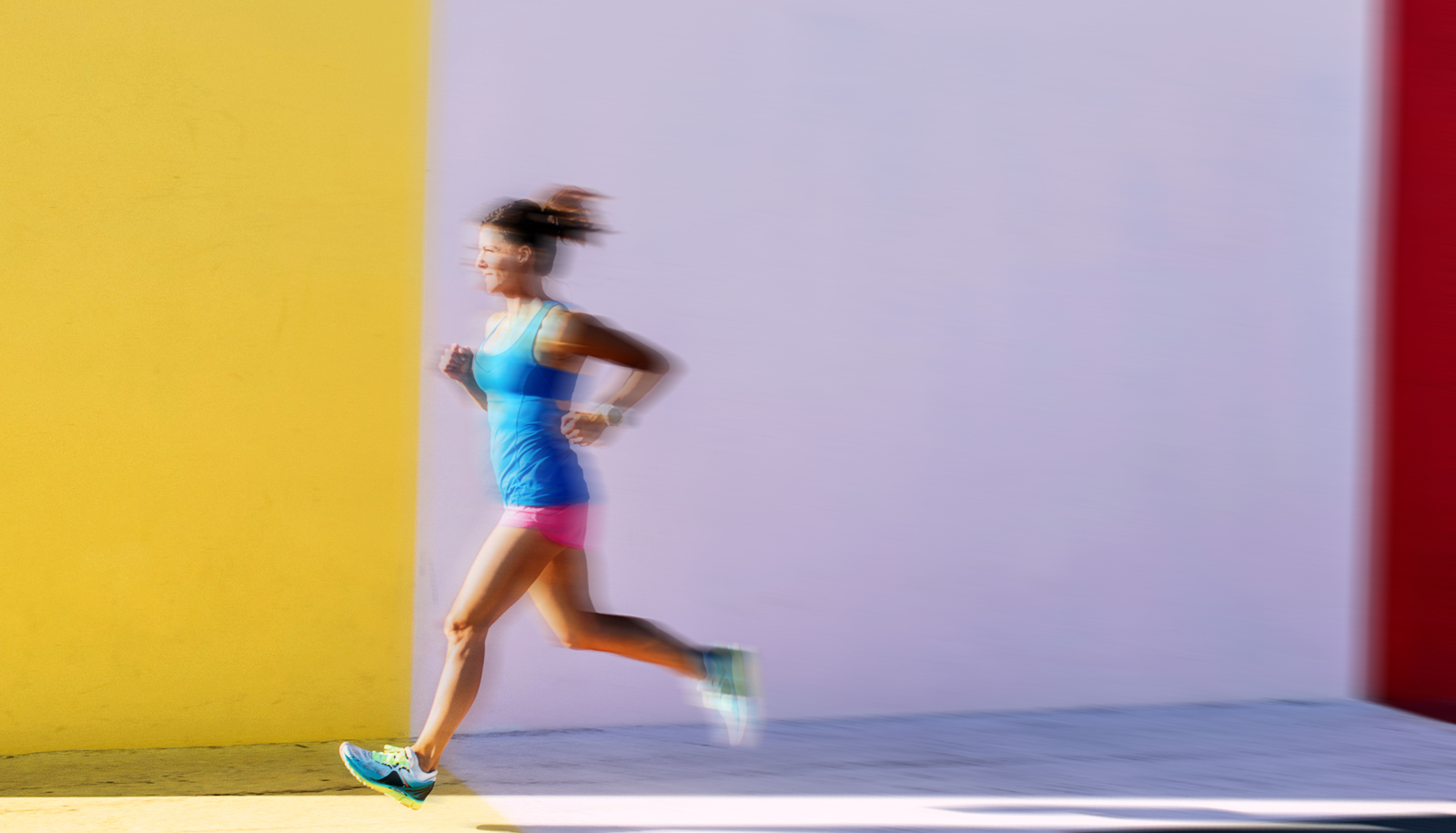
15. Add motion blur to a photo

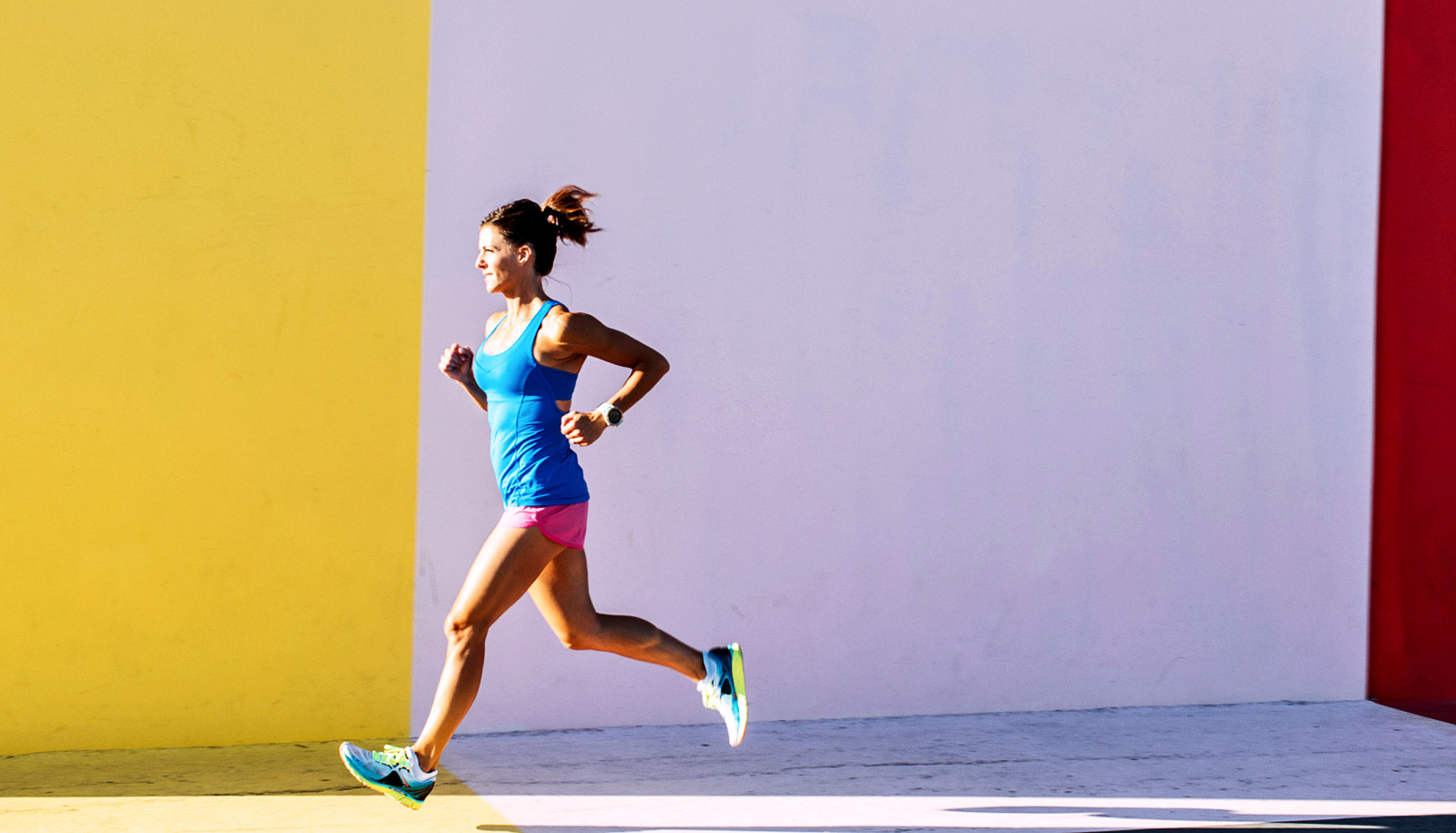
Woman running Woman running with motion blur applied

16. Create a soft focus effect

Coming up!

17. Create a logo with the pen tool

Coming up!

18. Design a basic 3D text effect

Coming up!

19. Face swap 2 pictures

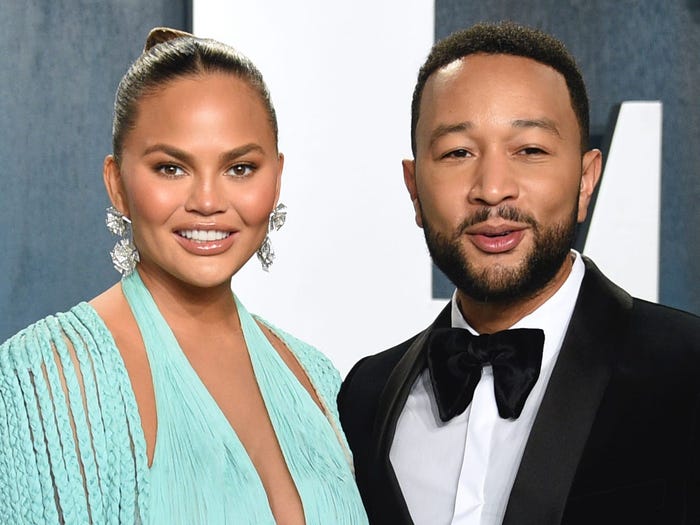
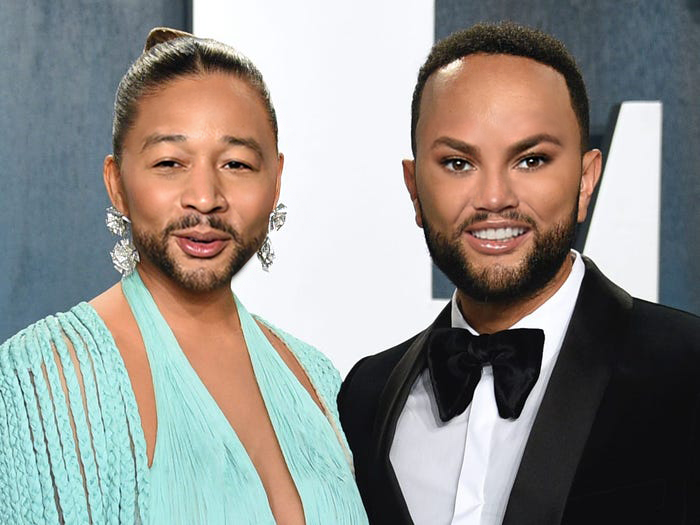
Chrissy Teigen and John Legend Chrissy Teigen and John Legend: faceswapped

20. Use the Dodge/Burn tool to create contrast and depth

Coming up!

21. Add a realistic texture to an image

Coming up!

22. Design a magazine cover

Coming up!

23. Remove hair flyaways

Coming up!

24. Retouch skin

Coming up!

25. Apply digital makeup

Coming up!

26. Merge 2 images

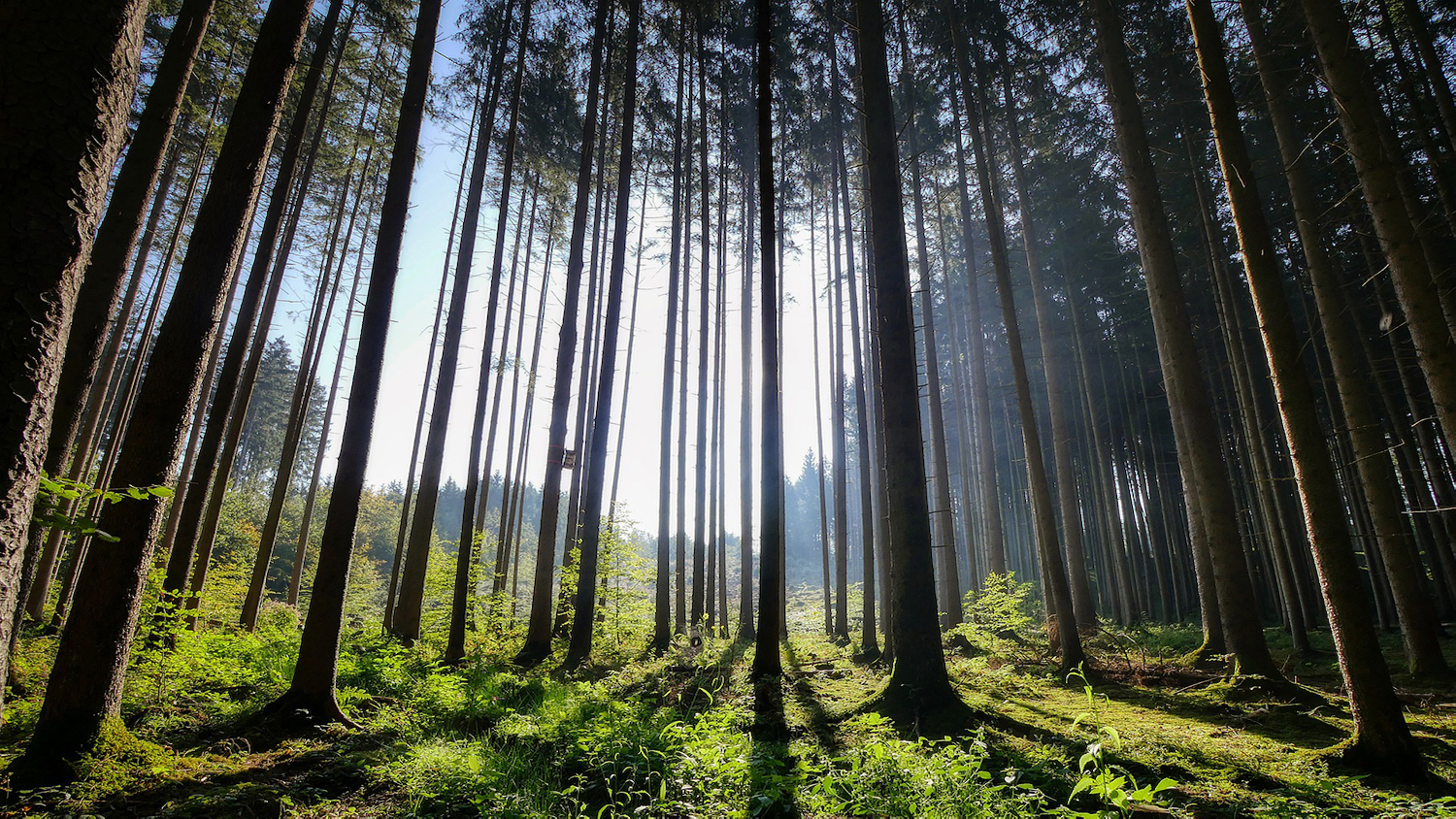
Forest Forest and cityscape images merged

Leave a comment

Your email address will not be published. Required fields are marked *